For real estate agents
Sellers hire the agent whose listings look like this.
Your listing photos are already shot. Listing Rocket turns them into a listing video with a camera move through every room, the price on screen, a voiceover, music and your name at the end. Ready in minutes, without a videographer.
No card needed. Your first video is free, and it is yours to post.

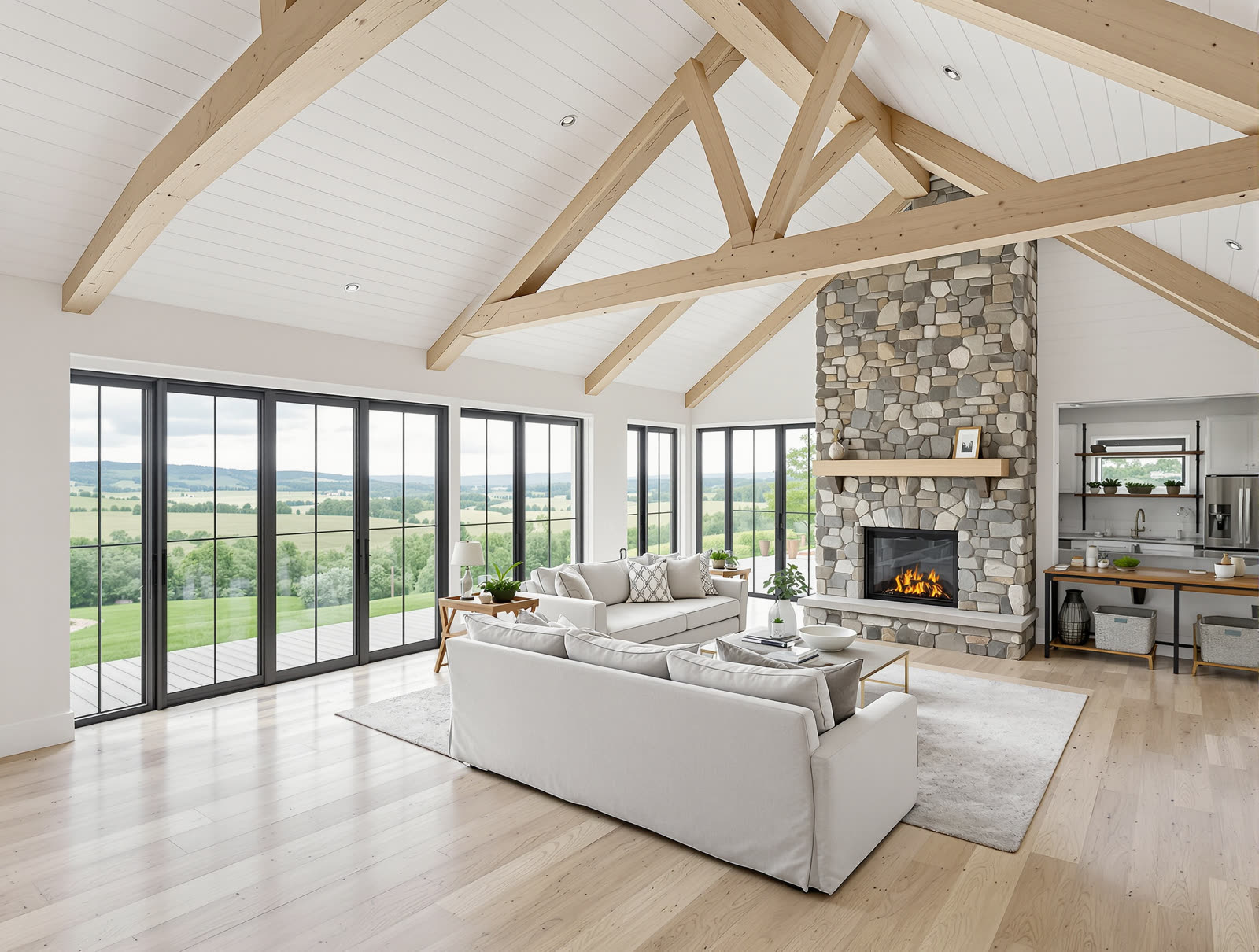
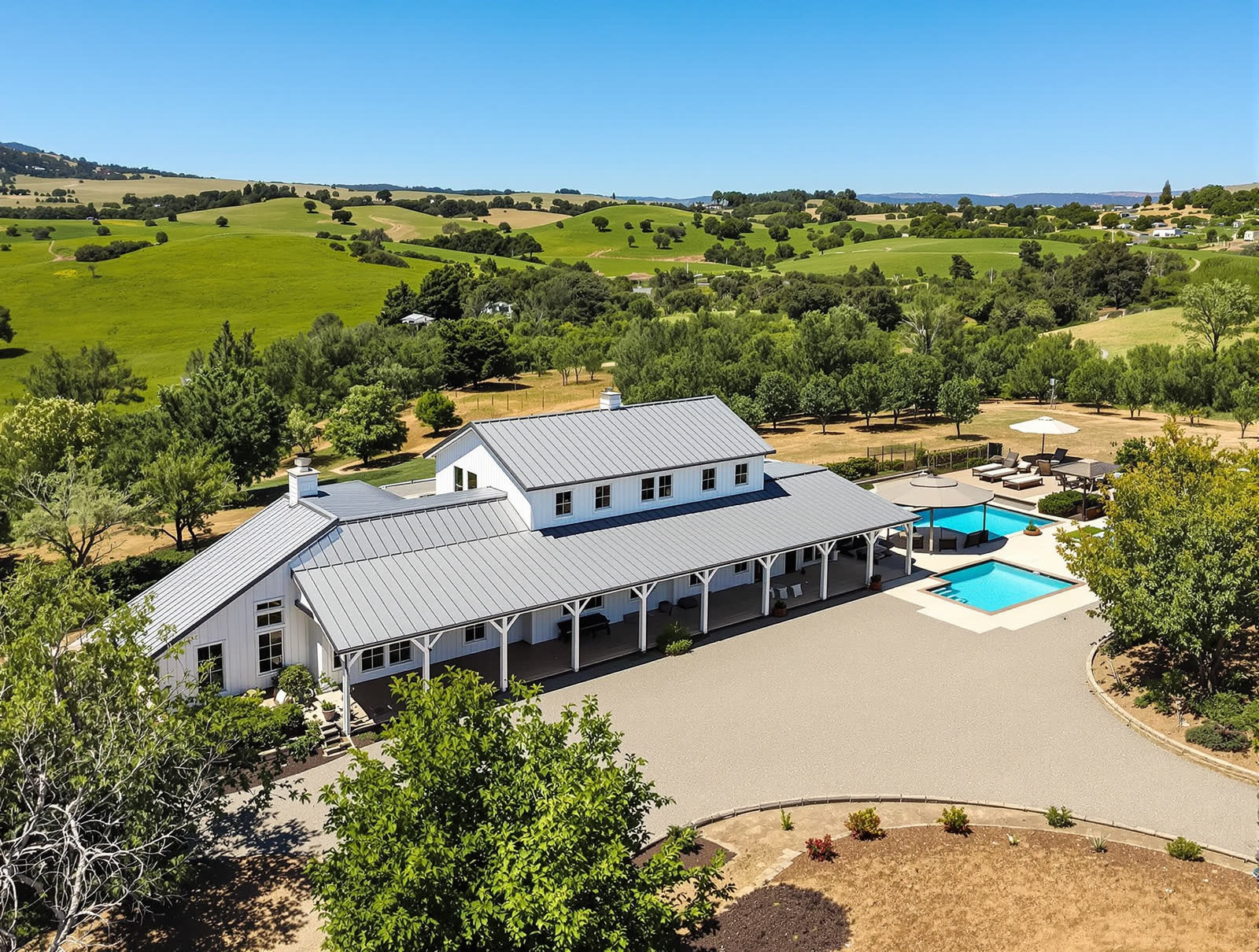
Why it matters
The listing appointment is decided before you walk in.
A seller looks you up first. They scroll your page and see how you presented the last home you sold. If every listing has a video, you look like the agent who does more. If only the expensive ones do, they notice that too.
A videographer is $150 to $500 a home
So video gets saved for the listings that can carry the cost, and most of your listings go without.
Filming it yourself costs an evening
An hour walking the house with your phone, then an edit you do not have time for.
Your photos are already paid for
Every listing has 20 good photos sitting in the MLS. That is all a listing video needs.
How it works
From listing link to finished video in three steps.
Paste the listing link, or add the photos
The MLS photos you already paid for. Listing Rocket reads the address, price, beds and baths, and puts the photos in the order a buyer would walk the home.
It writes the script and films the rooms
A hook for the first second, a camera move through each room, a voiceover that describes the home, music, and your end card. You can read and change the script before anything is made.
Post it everywhere in one tap
Download the video, or post and schedule it to Instagram, TikTok, YouTube Shorts and Facebook. Run it as a Meta ad when you are ready.
What you get
One set of photos. Every video a listing needs.
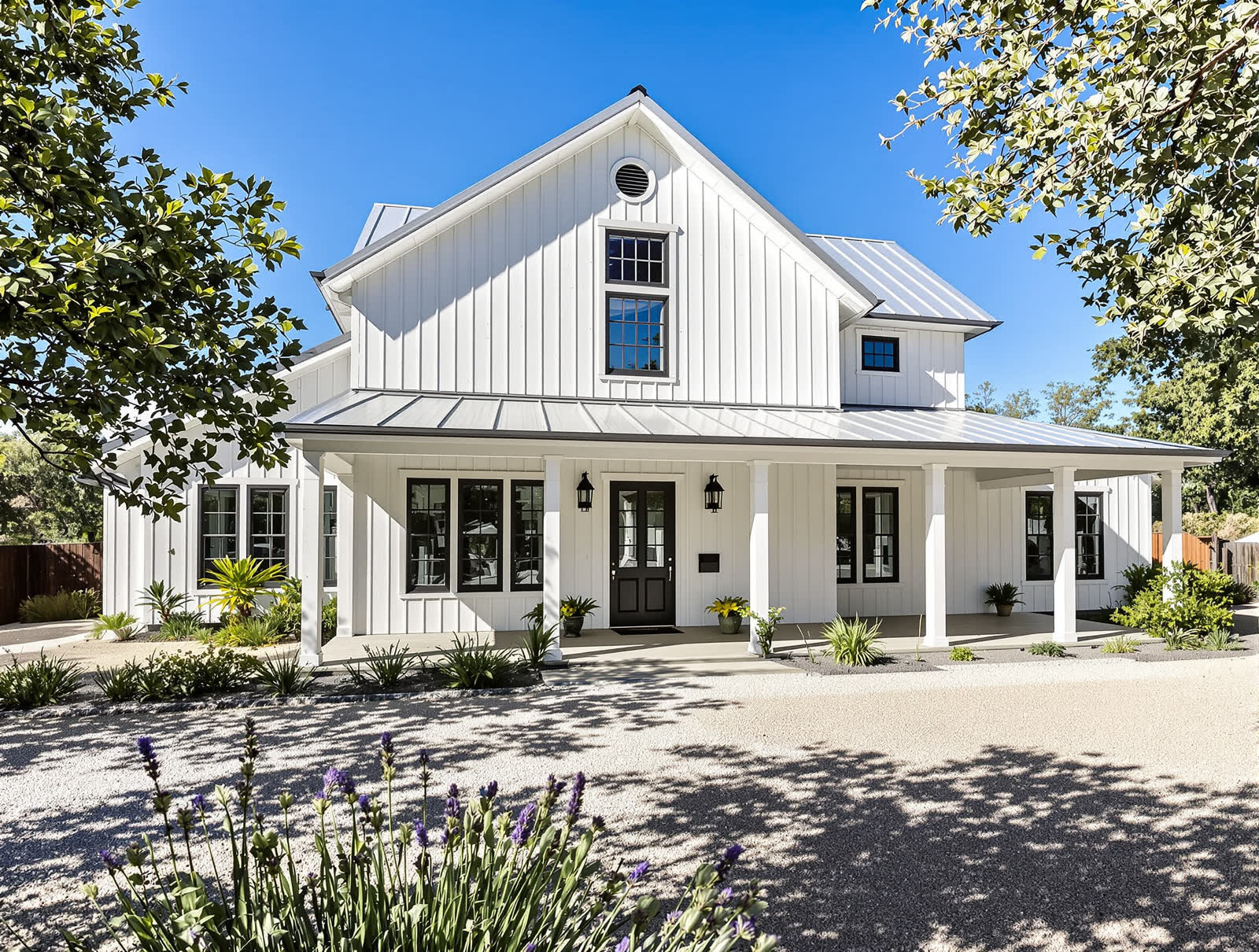 30–60 sec
Filmed walkthrough
The camera moves through every room, from the walk up to the front door to the yard at dusk.
Lowest costPhoto reel
A slow push or pan on every photo, cut to the music, with the price and the facts on screen.
For reachGuess the price
The home first, the price last. The format that gets comments.
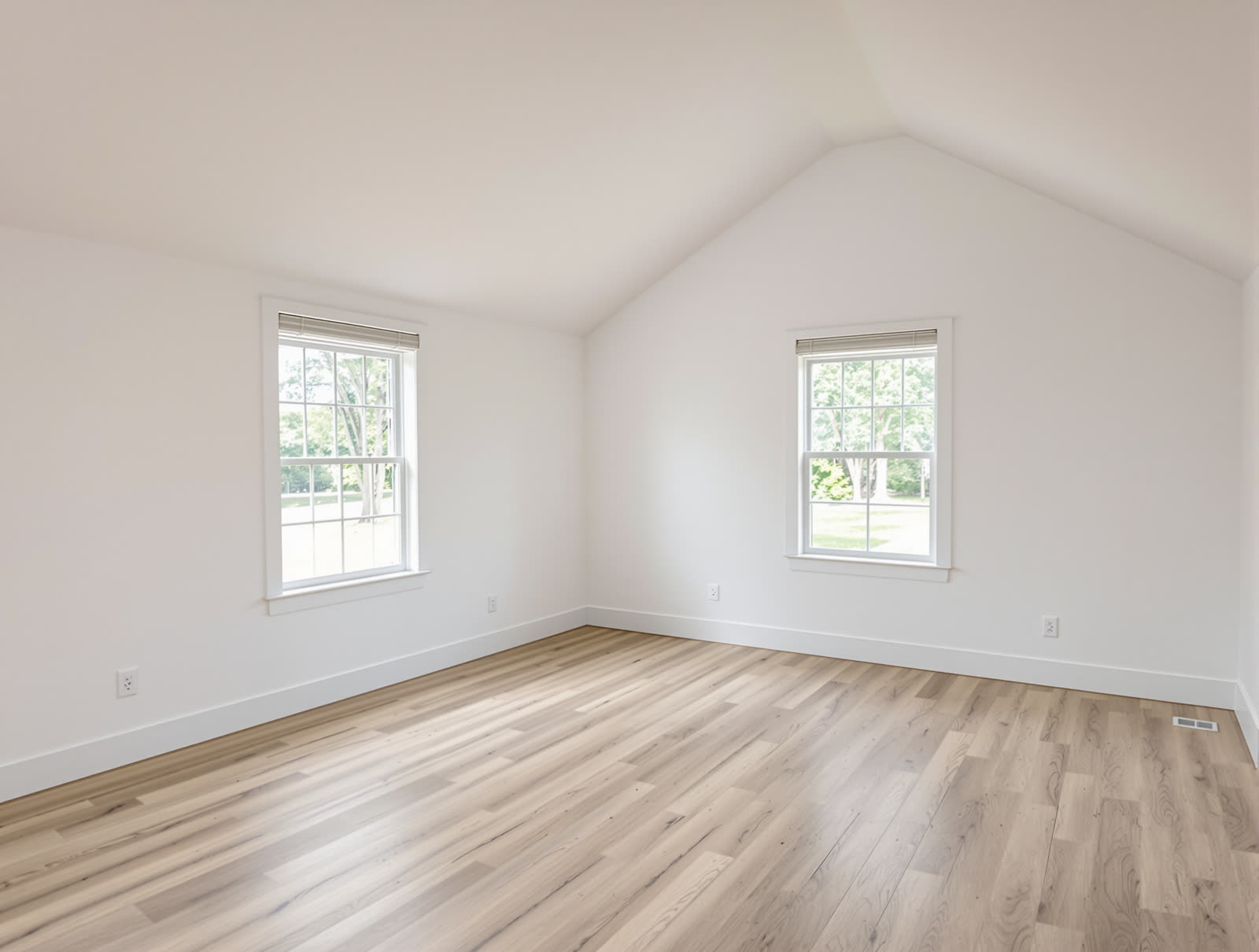 Staging
Before and after
An empty room, then the same room staged. Labelled “Virtually staged” on screen.
Plus a square cut, a 15-second cut and a photo carousel from the same listing. Photos shown are of an AI-made sample home.
No photographer this time?
Phone photos that pass for a professional shoot.
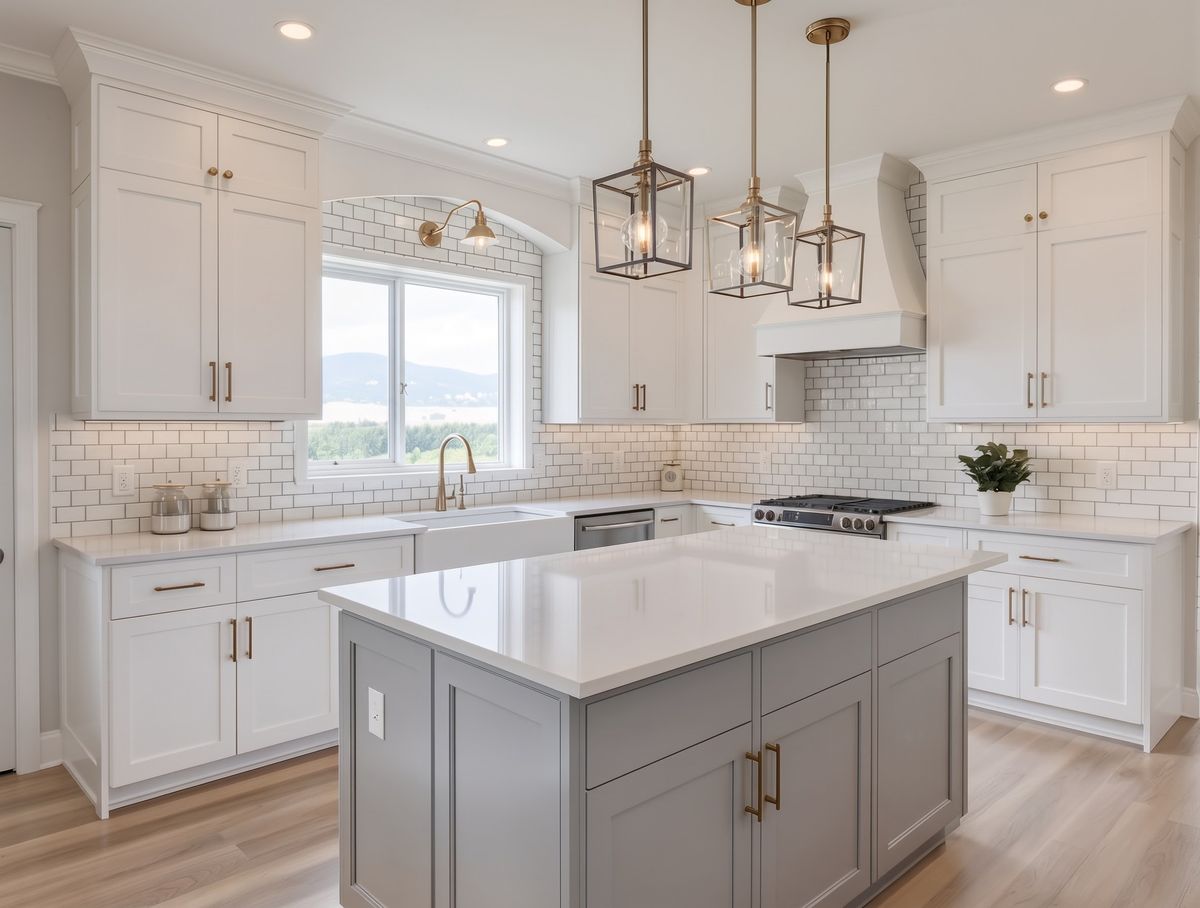
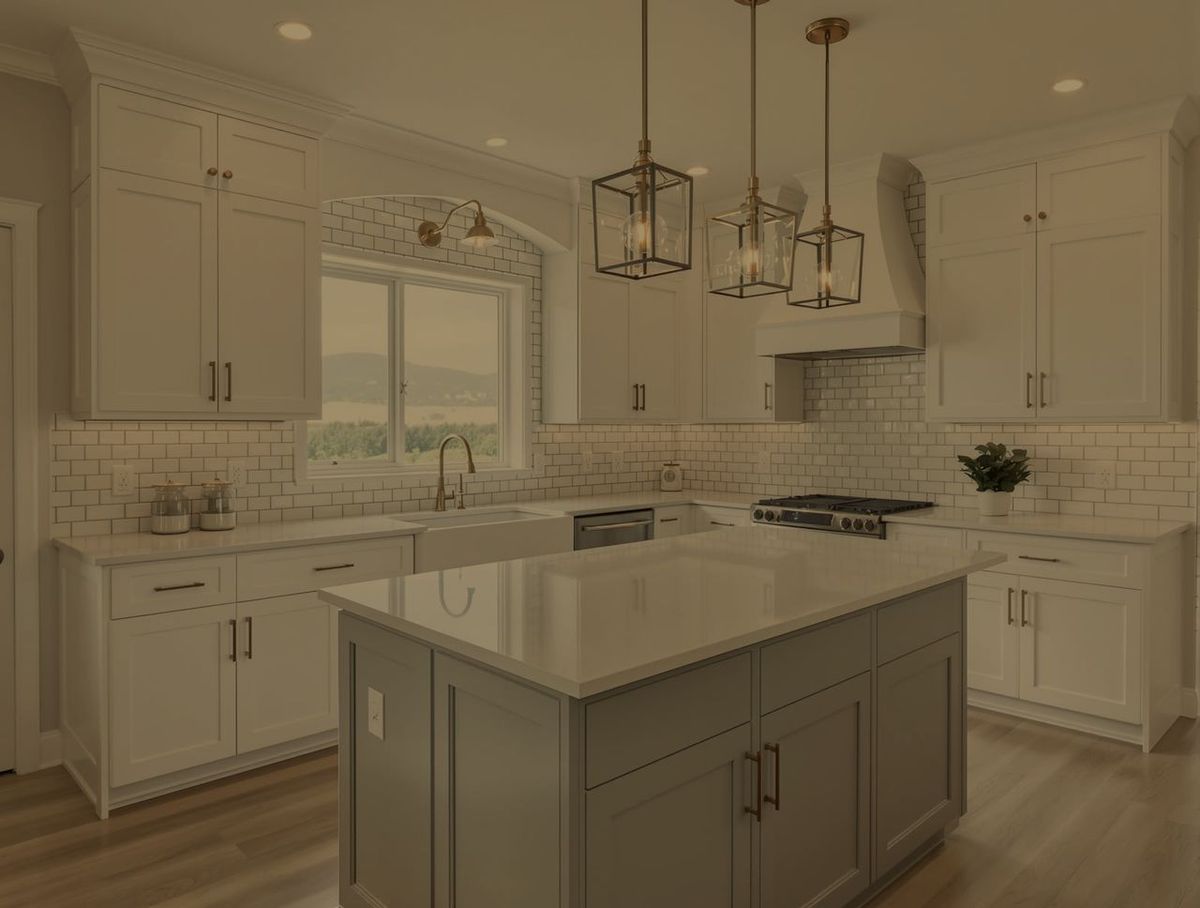
Shoot each room on your iPhone using the shot list in the app. The set comes back bright, level in colour and matched from room to room. The light changes. The home does not: nothing is added, removed or moved.
- Dark corners lifted and blown-out windows brought back
- Each edit checked against your original photo
- Optional blue skies, marked so you can disclose them
Drag the handle. The “phone” version of this sample was darkened by hand to show the difference.
After the video is posted
A video gets the view. The rest of the app gets you the call.
Pro photos from your phone
Shoot the rooms on your iPhone. They come back bright, white-balanced and matched as a set. Nothing is added or removed, and every edit is checked against your original.
Comments that turn into showings
End the video on “Comment TOUR”. Everyone who comments gets the listing by Instagram DM, and is asked for a number to book a showing.
Posts between listings
Market updates with this month’s sourced numbers, buyer and seller tips, mortgage explainers. Your page stays active when you have nothing new to list.
Area guides
A reel on the neighbourhood: the coffee, the parks, the commute. Real places, found and labelled for you.
“What $X gets you” reels
Two to five of your listings side by side at their prices. Made from videos you already have.
Your voice or ours
Pick a narrator, record your own, or run music only. Change the voice or the music later without filming again.
The three ways to get a listing video
The same result, for less than the cost of the yard sign.
Cost
Listing RocketAbout $33 a filmed walkthrough on the $99 plan. A photo reel is a fraction of that
Hire a videographer: Typically $150–$500 a home
Film it yourself: Free, plus your evening
Time
Listing RocketMinutes, from photos you already have
Hire a videographer: A shoot to book, days for the edit
Film it yourself: An hour to film, longer to edit
What you get
Listing RocketA camera move in every room, price and facts on screen, voiceover, music, your end card
Hire a videographer: Smooth shots, drone usually extra
Film it yourself: One shaky take
One shot is off
Listing RocketRedo that one shot. The rest of the video is kept
Hire a videographer: Ask for a re-edit
Film it yourself: Film it again
Formats
Listing RocketVertical, square, a 15-second cut and a carousel
Hire a videographer: Usually one
Film it yourself: One
Which listings get one
Listing RocketAll of them
Hire a videographer: The ones that can carry the fee
Film it yourself: The ones you have time for
Videographer prices are typical US rates and vary by market.
Built for a licensed profession
General video apps do not know your advertising rules. This one was built around them.
You are still the advertiser, and you review everything before it goes out. Listing Rocket does the remembering so a busy week does not turn into a complaint.
Your license number and brokerage on every end card
Set your state or province once. Videos that are missing what your state requires are held back until it is filled in.
Staged and enhanced photos are labelled
“Virtually staged” and “Digitally enhanced” are burned onto the shot, and an originals page shows the untouched photo beside it.
Scripts written to fair housing rules
The script describes the home, never who should live there. Your own words are checked before the video is made.
Only what is true of the home
The script uses the facts you typed and what the photos show. Each filmed shot is checked against its photo, and one that invents a door or a window is thrown out.
Pricing
Priced by how many listings you take.
A plan is a monthly allowance of credits. Spend them on walkthroughs, photo reels, pro photos or posts. What you do not use rolls over, up to two months’ worth.
Starter
A listing or two a month
$59 / month
1,000 credits: about 1 filmed walkthroughs, or 11 photo reels.
Agent
A few listings a month
$99 / month
2,000 credits: about 3 filmed walkthroughs, or 22 photo reels.
Top Producer
Up to 10 listings a month
$249 / month
6,000 credits: about 10 filmed walkthroughs, or 66 photo reels.
On your iPhone
Start the video from the driveway.
Shoot the rooms, start the video and post it without opening a laptop. The same account and the same credits as the website.
Questions agents ask
Before you try it.
Do I need to film anything?+
No. The video is made from your listing photos. If you want to appear in it, you can add your own intro or outro clip.
How long does a video take?+
A photo reel is usually ready in a few minutes. A filmed walkthrough takes longer because each room is filmed and checked, typically ten to twenty minutes. You can close the page; it finishes on its own and you are emailed when it is done.
Will it invent things that are not in the home?+
It is built not to. The camera never moves between rooms it has no photo of, every filmed shot is compared with its photo, and a shot that shows something the photo does not is dropped and replaced with the still photo. You should still watch every video before you post it.
What does it cost?+
Your first video is free. Plans start at $59 a month. A plan is a monthly allowance of credits; a photo reel uses about 90 and a filmed walkthrough about 450 to 700, depending on its length.
Can my listing link be read automatically?+
Brokerage and IDX listing pages usually can. Zillow, Redfin, Realtor.com, Homes.com and Trulia block automated readers, so for those we take the address from the link and you add the photos.
Is it only for Instagram?+
No. Every video comes as a vertical cut for Reels, TikTok and Shorts, and you can also get a square cut, a 15-second cut and a photo carousel from the same listing.
Can I cancel?+
Any time, from your account. You keep your credits until the end of the month you paid for.
Your next listing already has its video. It is sitting in the photos.
Paste the link, watch it get made, post it tonight. The first one costs nothing.
Make my first listing video free